02 — Output Showcase
A scrolling demonstration of every output type lofigui supports. The model runs in the background while the browser auto-refreshes to show new content appearing section by section.
Interactivity level: 1 — Teletype (same async polling pattern as example 01) State scope: Global (server) / Individual (WASM build, per-browser SW process)
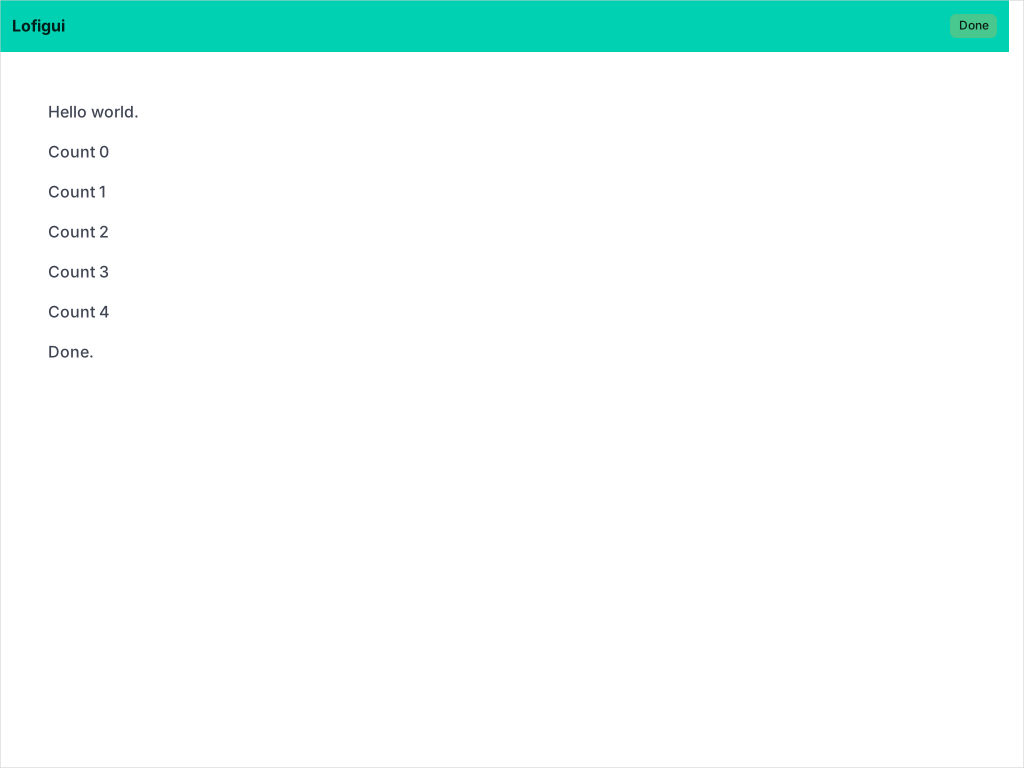
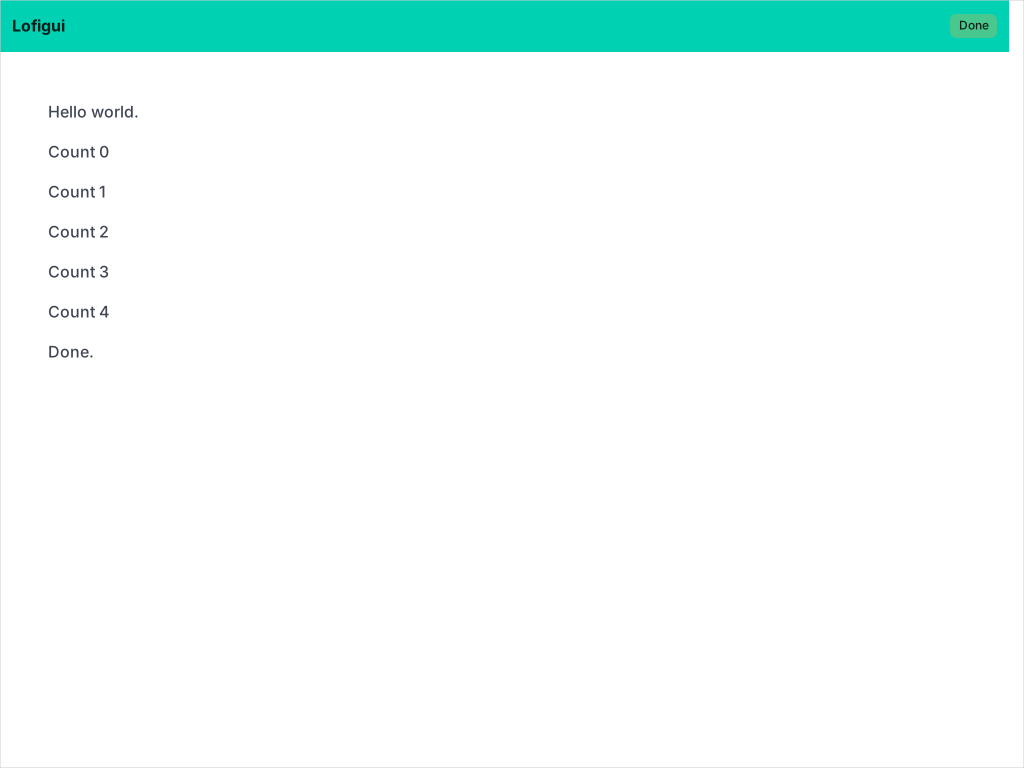
Output Gallery
Each panel shows the Go code on the left and the rendered result on the right.
Print() and Printf()
lofigui.Print("Hello world.")
lofigui.Printf("π ≈ %.4f", math.Pi)
Hello world.
π ≈ 3.1416
Print() with options
lofigui.Print("Inline", lofigui.WithEnd(""))
lofigui.Print("text", lofigui.WithEnd(""))
lofigui.Print("joined", lofigui.WithEnd(""))lofigui.Print("<b>Bold</b> via <code>WithEscape(false)</code>",
lofigui.WithEscape(false))Bold via WithEscape(false)
Markdown()
lofigui.Markdown("## Heading 2")
lofigui.Markdown("**Bold**, *italic*, ~~struck~~, `code`")
lofigui.Markdown("[A link](https://example.com)")lofigui.Markdown("- Alpha\n- Beta\n - Nested")
lofigui.Markdown("1. First\n2. Second\n3. Third")- Alpha
- Beta
- Nested
- First
- Second
- Third
lofigui.Markdown("> To be or not to be\n>\n> — *Shakespeare*")To be or not to be
— Shakespeare
HTML() — inline elements
lofigui.HTML(`<p>E = mc<sup>2</sup></p>`)
lofigui.HTML(`<p>H<sub>2</sub>O</p>`)
lofigui.HTML(`<p><mark>highlighted</mark> text</p>`)
lofigui.HTML(`<p><small>small</small>, <ins>ins</ins>, <del>del</del></p>`)
E = mc2
H2O
highlighted text
small, ins, del
Table()
lofigui.Table(
    [][]string{
        {"Go", "1.25", "Systems, web"},
        {"Python", "3.13", "Data science"},
        {"Rust", "1.86", "Embedded"},
    },
    lofigui.WithHeader([]string{
        "Language", "Version", "Use Cases",
    }),
)| Language | Version | Use Cases |
|---|---|---|
| Go | 1.25 | Systems, web |
| Python | 3.13 | Data science |
| Rust | 1.86 | Embedded |
HTML() — Bulma components
lofigui.HTML(`<div class="notification is-info is-light">
  An <strong>info</strong> notification.
</div>`)lofigui.HTML(`<div class="tags">
<span class="tag is-primary">Primary</span>
<span class="tag is-success">Success</span>
<span class="tag is-warning">Warning</span>
<span class="tag is-danger">Danger</span>
</div>`)lofigui.HTML(`<progress class="progress is-primary"
value="65" max="100">65%</progress>`)HTML() — HTML5 elements
lofigui.HTML(`<details>
  <summary><strong>Click to expand</strong></summary>
  <p>Hidden content revealed on click.</p>
</details>`)
Click to expand
Hidden content revealed on click.
HTML() — inline SVG
lofigui.HTML(`<svg width="220" height="60">
  <rect x="5" y="5" width="50" height="50"
    rx="8" fill="#3298dc"/>
  <circle cx="90" cy="30" r="25"
    fill="#48c774"/>
  <polygon points="140,5 165,55 115,55"
    fill="#f14668"/>
</svg>`)
The model — structure
The model delegates to section functions, each ending with app.Sleep():
func model(app *lofigui.App) {
    lofigui.Markdown("# Output Showcase")
    lofigui.Print("Walking through every output type lofigui supports.")
    app.Sleep(1 * time.Second)

    sectionHeadings(app)
    sectionTextFormatting(app)
    sectionPrintVariations(app)
    // ... 8 more sections ...

    lofigui.Print("Showcase complete.")
}
SVG charts — hand-rolled mocks vs a real library
charts.go ships two hand-rolled SVG helpers — bar and pie — so the example has zero charting dependencies:
lofigui.HTML(barChartSVG(values, labels, "Title"))
lofigui.HTML(pieChartSVG(slices, "Title"))
lofigui.HTML(), but they skip the things a real charting library handles — proper axes, tick spacing, legends, theming, time-series scales. For production use, reach for gogal, which the live line chart in sectionStaticCharts already uses:
lineChart := gogal.NewLineChart(
    gogal.WithTitle("Growth Trend"),
    gogal.WithSize(400, 150),
    gogal.WithGrid(true),
    gogal.WithSmooth(true),
)
lineChart.AddXY("Growth", xValues, values)
svg, _ := lineChart.RenderString()
lofigui.HTML(svg)
The live-updating chart prints 5 versions of a growing bar chart, one per second:
for _, n := range []int{2, 4, 6, 8, 10} {
    lofigui.HTML(barChartSVG(fib[:n], labels[:n],
        fmt.Sprintf("Fibonacci (n=%d)", n)))
    app.Sleep(1 * time.Second)
}
The server
Identical to example 01 — Run handles everything:
func main() {
    app := lofigui.NewApp()
    app.Version = "Output Showcase v1.0"
    app.Run(":1340", model)
}
Running
task go-example:02        # Run the server
# Open http://localhost:1340 — output scrolls for ~16 seconds
WASM
The same model compiles to WebAssembly with no changes — and, like example 01, no on-disk templates. app.RunWASM() uses lofigui's built-in default WASM template (served via service worker):
//go:build js && wasm

package main

import "codeberg.org/hum3/lofigui"

func main() {
    app := lofigui.NewApp()
    app.Version = "Output Showcase v1.0"
    app.RunWASM(model)
}